
OT Cybersecurity for Building Systems: Where to Actually Start
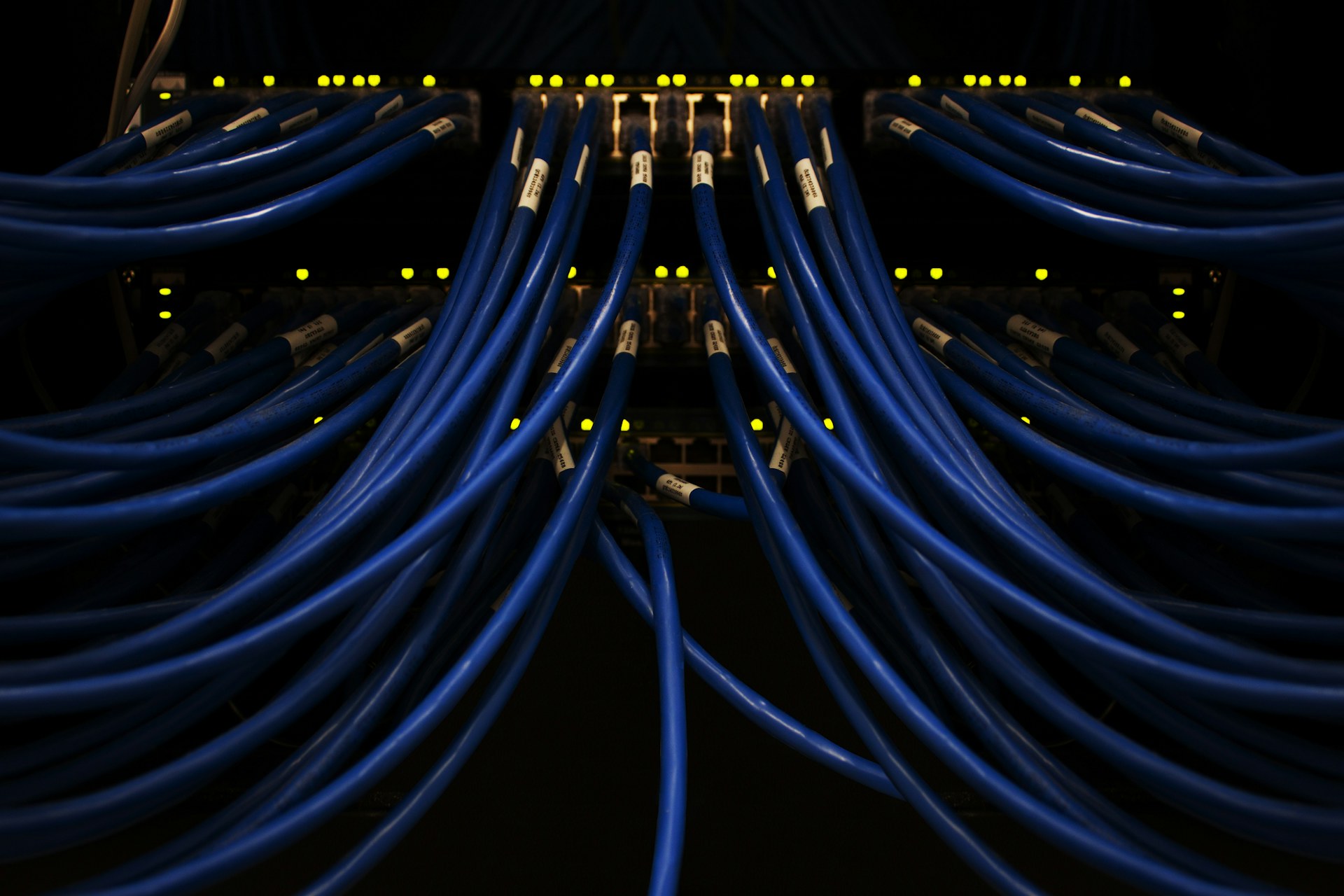
Most building automation networks I've walked into were not designed to be insecure. They just grew. A controls contractor installs a front end in 2011, a chiller plant upgrade adds a gateway in 2015, someone puts a lighting panel on the same switch in 2018, and a metering integrator drops in a cellular router for remote reads because the IT department took six weeks to answer an email. The result is a network nobody fully understands.
That is the real starting point for OT cybersecurity in buildings. Not a framework. A clear picture of what is plugged in, who can reach it, and who is responsible when something needs fixing.
Start With an Inventory You Can Trust
You cannot protect controllers you don't know exist. A typical mid-size commercial building might have anywhere from a few dozen to a few hundred networked devices on the BAS side: supervisory controllers, IP field controllers, protocol gateways, VFDs with Ethernet cards, meters, lighting panels, access control panels, and the odd embedded PC running graphics. The as-built drawings are usually out of date by the second fit-out.
Do the inventory in two passes. First, a passive look: mirror a port on the core BAS switch and listen. BACnet/IP devices announce themselves through Who-Is and I-Am traffic, and you will learn a lot from broadcasts alone. Second, walk the mechanical rooms and riser closets with a flashlight. The passive capture finds the devices. The walk finds the unmanaged switch zip-tied to a duct hanger and the consumer-grade router someone forgot about.
Be careful with active scanning. Aggressive port scans have knocked older controllers offline. If you scan, do it slowly, after hours, with the controls contractor on the phone.
For each device, capture at minimum:
- IP address, MAC address, and BACnet device instance or Modbus unit ID
- Device type, firmware version and physical location
- What it talks to, and what talks to it
- Who installed it and who maintains it today
That last line matters more than people expect.
Default Credentials and Flat Networks
Here is the uncomfortable part. On a lot of sites, the web interfaces of controllers and gateways still use factory default passwords, or one shared password set by the installing contractor and reused across every building they've ever done. Default credentials for most embedded devices are printed in installation manuals that anyone can download. It is the cheapest fix on the list and still the one most often skipped, usually because the commissioning tech worried about getting locked out later. The answer is a credential record held by the owner, not the contractor: unique passwords per device or at least per system, in a vault the facility team controls.
Then there is the flat network. Many buildings put the BAS, lighting, access control, cameras and sometimes the guest Wi-Fi in one broadcast domain, or worse, on the corporate LAN with no separation at all. A compromised laptop in a tenant office should not be able to send a BACnet WriteProperty to an air handler. On a flat network, it can.
VLANs Are a Start, Not the Finish
Segmenting into VLANs by system is the usual first step: one for HVAC controls, one for lighting, one for metering, one for security systems. But a VLAN without access control between segments is mostly an organizational convenience. The value comes from the firewall or layer-3 ACLs that decide which VLAN can reach which, on which ports. The supervisory server needs to reach the field controllers on UDP 47808. The tenant network does not. Deny by default and log what gets blocked for the first month.
Watch BACnet broadcast handling when you split networks. BACnet/IP relies on broadcasts for discovery, so splitting subnets usually means configuring BBMDs, and a sloppy BBMD table can create broadcast loops or quietly bridge devices across segments you meant to keep apart.
Remote Access Done Badly
If I had to pick one thing to fix first on most sites, it would be remote access. The patterns are depressingly consistent. Port forwarding from the building's internet router straight to a supervisory controller's web page. A remote desktop tool installed on the front-end PC with a password that hasn't changed since commissioning. A cellular modem in the controls panel, provisioned by a vendor, that the IT team doesn't know exists. And the classic: one shared vendor login used by every technician at the service company, including the ones who left two years ago.
Anything exposed directly to the internet will be found by automated scanners, often within hours.
Better remote access is not exotic. Put a VPN gateway or hardened jump host in front of the OT network, terminate it in a DMZ, require multi-factor authentication, and give every technician a named account. Turn access on when there is a work order and off when the job is done. Service companies sometimes push back because it slows their first response. Fair enough to discuss, but the outcome should not be an always-open door.
Protocols That Trust Everyone
BACnet/IP and Modbus TCP were designed for closed networks where every device was assumed to be friendly. Neither has built-in authentication in its classic form. If you can send a packet to a Modbus TCP device on port 502, you can write a register. If you can reach a BACnet device, you can usually write to a commandable point at a priority that overrides the operator. No username, no signature, no encryption. Anyone with a laptop and a free protocol tool on that segment can change setpoints, stop fans or rewrite schedules.
This is why segmentation and access control carry so much weight in building systems. The protocol will not protect you, so the network has to.
Where BACnet Secure Connect Fits
BACnet Secure Connect (BACnet/SC) changes the model. It carries BACnet over TLS-secured WebSocket connections, with devices authenticated by certificates and traffic routed through a hub instead of broadcast. IT departments also tend to like it better than a cloud of UDP broadcasts.
It is not a switch you flip. Device support is growing, but most installed controllers don't have it, and you will be running mixed BACnet/IP and BACnet/SC networks for years. Certificate management is a real operational burden: someone has to issue, renew and revoke certificates, and an expired certificate can take a building offline as effectively as an attacker. My view is that BACnet/SC belongs in specifications for new projects and major retrofits now, with a named owner for the certificate authority. For existing sites, segmentation buys you more, sooner.
Who Owns Patching?
This is the question that stalls most programs. IT says the controllers belong to facilities. Facilities says they don't have the skills and points to the controls contractor. The contractor says firmware updates are outside the service agreement and, besides, the last update broke a custom program on a rooftop unit.
Patching in OT is genuinely harder than in IT. Firmware updates on controllers can mean downtime, re-downloading programs and retesting sequences. Some devices will never get another update. That doesn't make patching optional. It makes it something to plan. IEC 62443 is useful here mainly because it pushes you to define responsibilities between the asset owner, the integrator and the product supplier instead of assuming someone else has it covered.
In practice, put it in the service contract. Name who reviews vulnerability advisories for the installed devices, how often, who tests updates and who approves the maintenance window. For devices that can't be patched, document the compensating controls: tighter firewall rules, no internet path, traffic monitoring.
Next time you renew a controls service agreement, ask one question before anything else. When a vulnerability is published for a controller in this building, whose job is it to notice, and how would you know they did?