
How Unified Dashboards Are Replacing Siloed Building Software
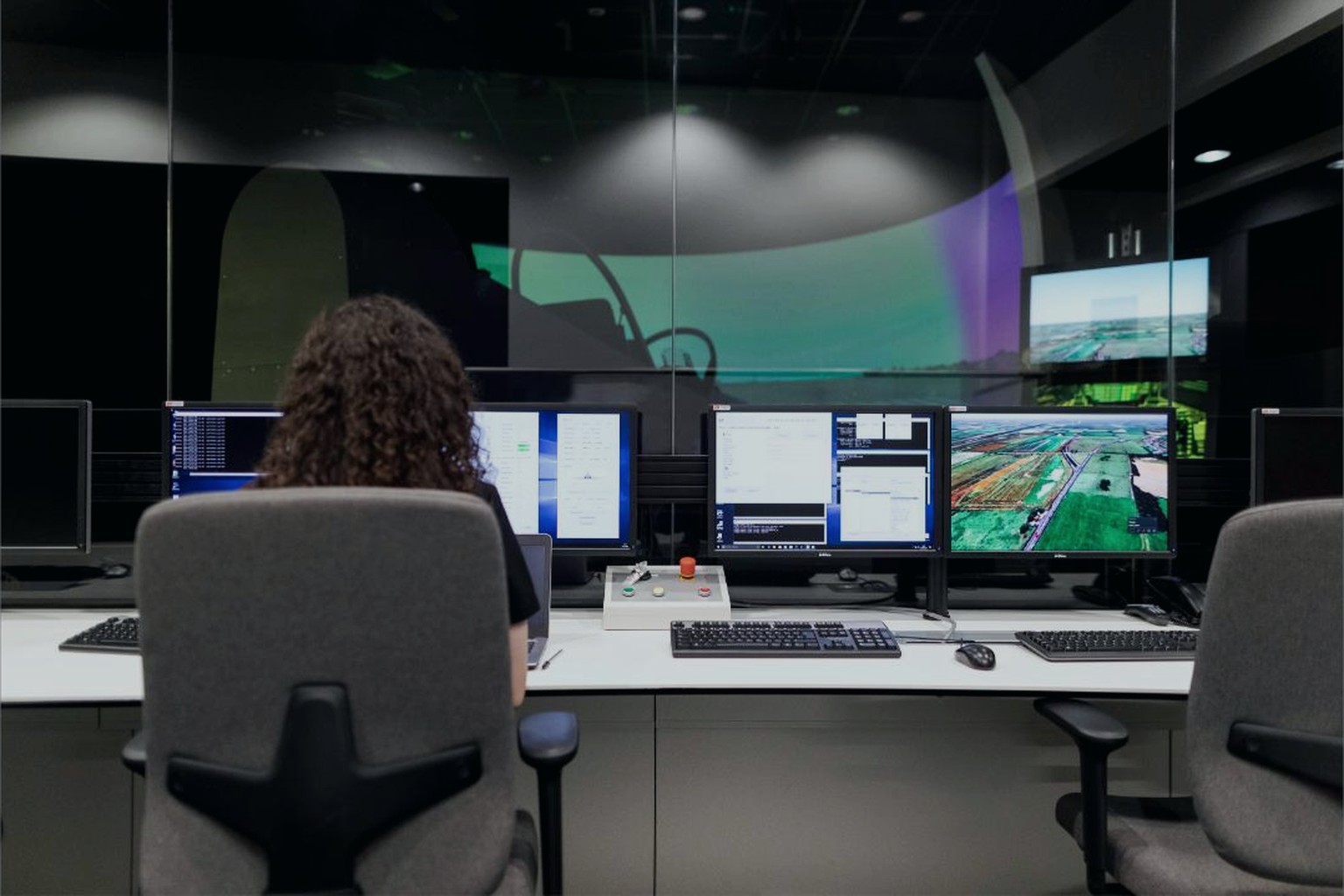
For years, the default way to run a commercial building was to accept that different systems lived in different places. The BMS had its own workstation. Lighting control had its own software. Access control lived somewhere else entirely, often managed by a completely different contractor. Facility managers got used to switching between screens the way office workers used to switch between filing cabinets, and nobody questioned it too much because that was simply how buildings worked.
That is changing, and the change is visible in the growing number of unified dashboards showing up in operations centers and on facility managers’ laptops. These are not just prettier versions of the old software. They represent a genuine shift in how building data gets collected, organized, and acted on, and they are worth examining in some detail because the implications go well beyond a nicer looking screen.
Why Siloed Systems Became the Default
The building industry did not set out to create silos on purpose. Each system, whether it controls temperature, lighting, security, or elevators, was historically built by a different manufacturer with its own priorities and its own software stack. Nobody was thinking about how a facility manager in year fifteen would want to see everything in one place. They were thinking about making sure the elevator worked reliably or the chiller sequenced correctly, which are genuinely hard engineering problems on their own.
Add to that the fact that buildings get renovated and re-equipped in phases, often over decades, and it becomes clear why so many properties end up with a patchwork of vintage and modern equipment, each piece with its own control interface. A building that started with a pneumatic control system in the 1980s might now have three generations of digital controls layered on top of it, plus a handful of newer IoT sensors bolted on for good measure. Each layer usually keeps its own software, because ripping everything out and starting over is rarely practical or affordable.
The result, for a long time, was that the people actually running the building had to become experts in navigating this patchwork rather than experts in operating the building itself. Training a new facility engineer often meant walking them through six or seven different software logins before they even got to the substance of the job.
What a Unified Dashboard Actually Does
A unified dashboard pulls data from these separate systems into one interface, but the more useful ones do more than just display everything side by side. They normalize the data so that a temperature reading from one system and an energy reading from another can be compared, charted, and analyzed together in a way that actually makes sense. That normalization step is the unglamorous part of the work, but it is where most of the real value gets created.
Once data lives in a common structure, facility teams can build views that follow their actual workflow instead of following the boundaries between vendor systems. A morning walkthrough view might show flagged alarms across HVAC, security, and life safety systems on a single screen, ranked by urgency rather than grouped by which system raised them. That kind of view simply was not possible when each system lived in its own silo, because building it meant somebody had to manually check four different consoles and mentally combine the results.
The best implementations also add a layer of context that raw data alone does not provide. A spike in energy use next to a note that a specific air handling unit is running longer hours than scheduled tells a very different story than the number alone. Bringing that context together across systems is exactly the kind of task a unified dashboard is suited for, since it already has access to the schedule data, the equipment status, and the energy trend in one place.
The Operational Payoff
The most immediate benefit facility teams report is faster response to problems. When an alarm shows up, staff can see related data from other systems right away instead of having to log into a second or third application to check whether related equipment is behaving normally. That shortens the time between a fault occurring and someone actually diagnosing it, which matters a great deal when the fault involves occupant comfort or safety.
There is also a training benefit that tends to get less attention than it deserves. New staff can learn one interface and one set of conventions instead of learning the quirks of half a dozen legacy systems, some of which may have interfaces that have not meaningfully changed since they were installed. That shortens onboarding time and reduces the risk that a new team member misses something important because they were still getting comfortable with an unfamiliar screen.
Over the longer term, unified dashboards also change what gets reported to building owners and asset managers. Instead of separate reports from separate vendors, often on different schedules and in different formats, owners increasingly expect a single monthly view that shows energy performance, maintenance activity, and comfort metrics together. That expectation is pushing more buildings toward consolidation even where the underlying equipment stays exactly the same.
Where the Approach Still Runs Into Trouble
None of this happens automatically, and it is worth being honest about where unification efforts tend to stumble. The biggest obstacle is usually not technical but organizational. Different systems in a building are often maintained by different contractors with different service agreements, and getting all of them to agree on data sharing terms can take longer than the actual software integration work.
There is also a real risk of building a dashboard that looks impressive in a demonstration but does not hold up during an actual emergency. If the underlying data feeds are unreliable, delayed, or occasionally wrong, a unified view can end up spreading bad information faster and more convincingly than the old siloed screens ever did. Facility teams need to trust the data behind a dashboard just as much as they trust the dashboard itself, and that trust has to be earned through a track record, not assumed because the interface looks polished.
Cost is another consideration that often gets underestimated at the planning stage. Pulling data out of older, less cooperative systems sometimes requires custom work, additional hardware, or ongoing licensing fees that were not part of the original budget. Building owners considering a unification project are generally better served by starting with a clear picture of which systems can share data easily and which will need extra investment, rather than assuming every system will cooperate equally.
What ties all of this together is a fairly simple observation, that a building generates an enormous amount of useful information every single day, and for a long time that information was scattered across systems that never talked to each other. Unified dashboards are not a finished destination so much as an ongoing process of tearing down those walls one integration at a time, and the buildings that do it well are the ones that treat it as core operational infrastructure rather than a one time software purchase.